MT 7.1.10
Tour days move quickly, and having the right information appear exactly when you need it makes all the difference. This release introduces new automation, expanded visibility across key workflows, and a range of refinements designed to make planning and coordination feel more seamless across Master Tour Mobile.
New Features:
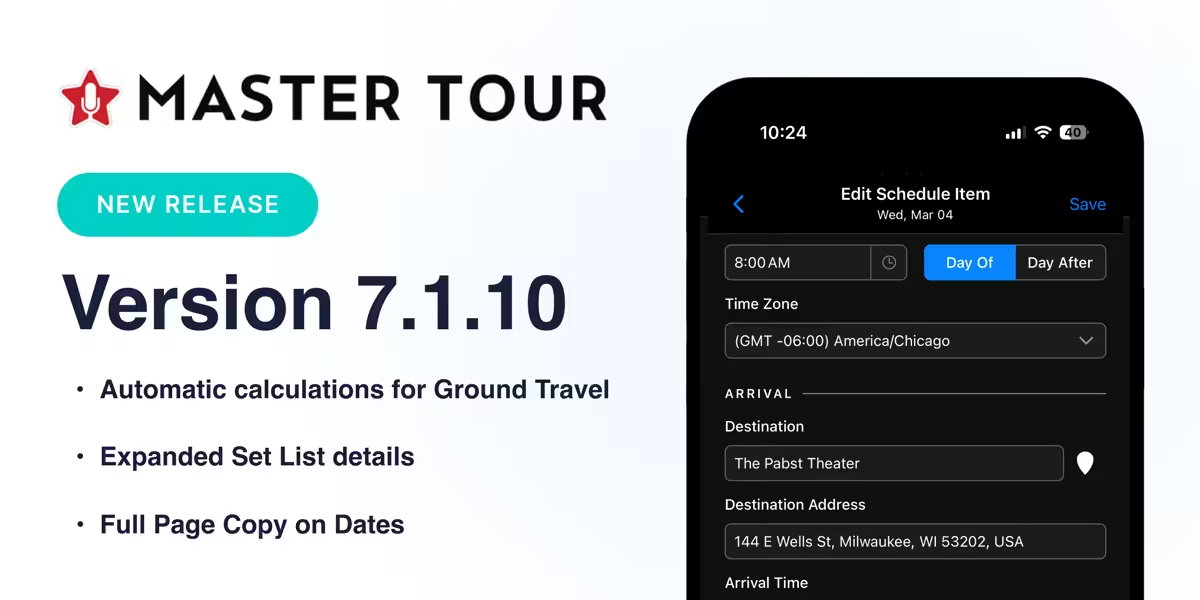
Automatic calculations for Ground Travel
Ground Travel Items now automatically calculate Arrival Time, Travel Time, Distance, and Start/End Time Zones once both Origin and Destination are entered. Calculations use the same trusted “pessimistic” travel model available on Master Tour Desktop, keeping plans aligned across platforms.
Expanded Set List details
Songs in Set Lists now display Guest Performers, Tech Notes, and Set-Specific Notes, giving teams a clearer context directly within performance workflows.
Full Page Copy on Dates
A new Full Page Copy option on the Dates screen lets you quickly copy information from all visible Days to your clipboard for easier sharing and coordination.
Improvements:
More complete Dashboard notes
Notes on the Dashboard now display full text without truncation, making important updates easier to review at a glance.
Next-day timing indicators
Schedule, Travel, and Publicity Items that extend into the following day now include “+1” indicators for clearer timing awareness.
Improved flight entry experience
Autocorrect has been disabled when entering flight details and searching for Airlines or Airports, ensuring abbreviations and codes appear exactly as intended.
Refined Guest List request handling
Guest List Requests now respond more clearly when allotments are met, cutoff times have passed, or lists are locked, improving consistency for submitting users.
Enhanced hotel visibility details
Hotels now display Visibility information and Party badges within both the Dashboard and Hotels sections for quicker reference.
Clearer login interaction
The Log In button activates only after both email and password fields are completed, creating a more predictable sign-in experience.
Updated Publicity item iconography
Publicity Items now use a microphone icon, making them easier to distinguish from standard Schedule Items.
More precise sync conflict review
Sync conflict dialogs now include timestamps accurate to the second, providing clearer context when reviewing updates.
Improved overdue task visibility
Overdue Tasks now display red OVERDUE styling consistent with Master Tour Desktop.
Reliability & Consistency Improvements
This release also strengthens reliability and alignment across scheduling, travel, guest list management, notifications, and display behavior—bringing Mobile and Desktop into closer sync.
Highlights include:
- Corrected Room List check-in and check-out date displays.
- Improved Guest List submission reliability and sorting behavior.
- Enhanced handling of Guest List allotments, enforced statuses, and cutoff messaging between Desktop and Mobile.
- Resolved scrolling behavior on Android Notifications screens.
- Fixed Dates screen refresh behavior after reopening the app.
- Improved organization and tour visibility handling when permissions or visibility change.
- Corrected Mini Calendar start-day display for certain time zones.
- Improved reliability when opening external URLs within the app.
- Added missing context labels in Publicity Detail dropdowns.
- Improved Song List sorting and synchronization between Song Lists and Set Lists.
- Addressed Dark Mode styling and legibility refinements across Guest Lists, Notifications, and Song Details.
- Corrected notification icon behavior to better reflect item types.
- Improved time zone handling when device settings change during use.
- Ensured Travel Item terminology and timing align consistently with Master Tour Desktop.
- Updated translated labels in Schedule Filters for supported languages.
- Additional visibility and experience refinements across the platform.
We’re continuing to enhance everyday workflows and strengthen consistency across Master Tour experiences. As always, your feedback helps guide what we improve next.